Get the EDeval Android app
Revise anywhere: short tests, your score at once, every answer explained, and a daily revision reminder on your phone.
Download the app (APK)Install it in 3 steps
- Download. Press the button above. If your phone asks, choose Download anyway.
- Allow it once. Open the file. Android asks to allow your browser to install apps: Settings → Allow from this source, then go back.
- Install and open. Press Install, then Open. Log in with your EDeval account or create one.
Updating? Install the new file over the old app: you stay logged in and keep your results.

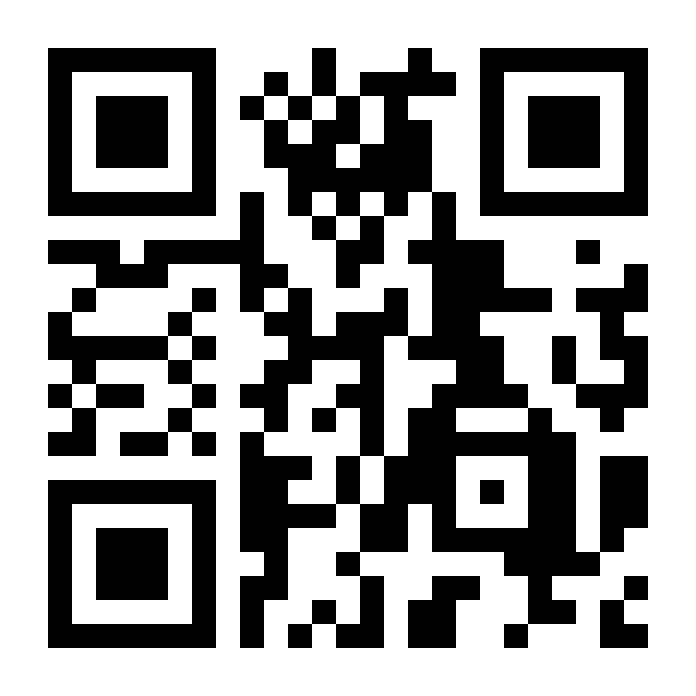
On a computer? Scan this code with your phone's camera to open this page there. Download the QR code for a poster.
Stay safe
Download EDeval only from this page (edeval.netlify.app/app). Never install an "EDeval" file that someone forwards to you on WhatsApp or elsewhere: it could be changed.
File fingerprint (SHA-256): d1a12c42620ffefe700d93de0dc575e51de16b3f4620f89f38bf9c60c9112fd6
No Android phone? EDeval works in any browser: open the website.
Télécharger l'application Android EDeval
Révise partout : des tests courts, ta note tout de suite, chaque réponse expliquée, et un rappel de révision chaque jour sur ton téléphone.
Télécharger l'application (APK)L'installer en 3 étapes
- Télécharge. Appuie sur le bouton ci-dessus. Si le téléphone demande, choisis Télécharger quand même.
- Autorise une fois. Ouvre le fichier. Android demande d'autoriser ton navigateur à installer des applications : Paramètres → Autoriser cette source, puis reviens.
- Installe et ouvre. Appuie sur Installer, puis Ouvrir. Connecte-toi avec ton compte EDeval ou crée-en un.
Mise à jour ? Installe le nouveau fichier par-dessus l'ancienne application : tu restes connecté et tu gardes tes résultats.
Sur un ordinateur ? Scanne ce code avec l'appareil photo de ton téléphone pour ouvrir cette page dessus. Télécharger le code QR pour une affiche.
Reste en sécurité
Télécharge EDeval uniquement sur cette page (edeval.netlify.app/app). N'installe jamais un fichier « EDeval » qu'on te transfère sur WhatsApp ou ailleurs : il pourrait être modifié.
Empreinte du fichier (SHA-256) : d1a12c42620ffefe700d93de0dc575e51de16b3f4620f89f38bf9c60c9112fd6
Pas de téléphone Android ? EDeval marche dans tout navigateur : ouvrir le site.